 Branding
 Digital Marketing
 Web & App Dev
 IT Services
Why the Worst Time to Buy Business Hardware Is During an Emergency
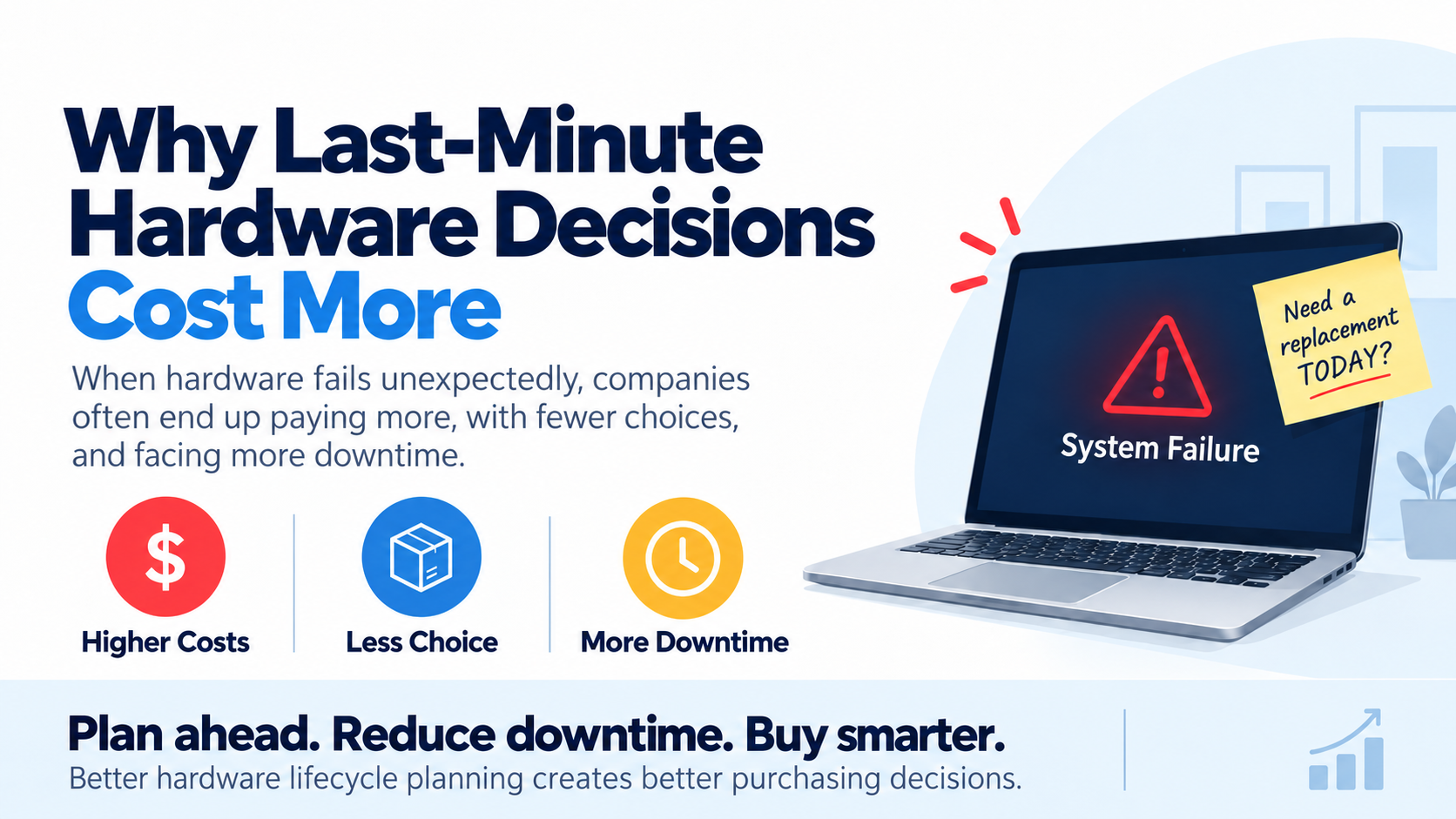
The worst time to decide what computer, server, or other hardware to buy is usually when the existing one has already failed.
At that point, the employee cannot work, the replacement is needed immediately, and the question quickly changes from “What should we buy?” to “What can we get today?”
That lack of time can lead to the wrong configuration, higher costs, unnecessary downtime, and hardware decisions that a company may have to live with for the next five years.
This is why hardware lifecycle management is not just about knowing how old your equipment is. A big part of it is identifying what is likely to need attention early enough that you still have choices.
Step 1: Know Which Hardware Is Becoming a Risk
Many hardware failures should not come as a surprise. A seven-year-old server will eventually need to be replaced. A laptop that has started crashing regularly, has a deteriorating battery, or is approaching the end of operating system support is already giving us useful information. The same applies to aging firewalls, switches, storage systems, and other critical infrastructure.
Althought a five-year-old computer that is reliable, secure, and still performing well may have plenty of useful life left, we still want to identify equipment that is moving from “old but perfectly fine” to “increasingly likely to create a business problem.”
This way, we have time to decide whether it should be upgraded, replaced, reassigned, or simply monitored for a while longer.
Step 2: Give Yourself Some Breathing Room
One of the easiest ways to turn a hardware failure into an emergency is to have no alternative available when something goes wrong.
For computers, keeping a small number of spare machines can make a huge difference. They do not necessarily need to be brand-new. A recently retired laptop can often be cleaned up, updated, secured, and kept ready as a temporary replacement. This way, if someone's computer fails, they can move onto the spare while we figure out the right long-term solution.
In some situations, we can also use an existing workstation, reassign another machine temporarily, or even spin up a virtual machine so the employee can continue accessing the applications they need.
The important thing is that we have bought ourselves time. (We want to make a proper hardware instead of choosing from whatever happens to be available in the next two hours.)
Step 3: Decide Whether You Actually Need to Replace It
A failed or problematic computer does not automatically mean we need to buy another identical computer.
Sometimes an upgrade is enough. Additional memory, a larger SSD, a new battery, or a clean operating system installation may extend the useful life of the machine considerably.
In other cases, the hardware should be replaced, but the old machine can still be reassigned to someone with lighter requirements or repurposed as a development, testing, automation, or remote workstation.
There are also workloads where another physical machine may not be required at all. A virtual machine can sometimes handle a temporary project, development environment, specialized application, or automation workload without adding another physical box to the company.
By looking at the requirement rather than automatically replacing one machine with another, we often end up with better options.
Step 4: Buy on Your Timeline, Not the Hardware's
Planning becomes even more valuable when hardware availability and pricing are unpredictable.
The configuration you normally buy may suddenly have a long lead time. A new model may be about to launch. Component prices may be rising. A manufacturer may be offering a promotion, or the exact machine you want may simply be out of stock.
If the existing computer has already failed, none of that matters very much. You need something now. But when replacements are identified months ahead of time, we can watch pricing, compare configurations, account for lead times, and decide when it actually makes sense to purchase.
This can also help with budgeting. Discovering that 20 computers need replacing in the same month can create an unpleasant surprise, while knowing that 20 machines are likely to need attention over the next 12 months lets us prioritize and spread the cost.
Step 5: Standardize Without Buying Everyone the Same Thing
Planning also gives us the opportunity to define a small number of standard hardware profiles.
A general office employee using Microsoft 365, a CRM, and browser-based applications does not need the same computer as someone editing video, running development tools, working with CAD, or experimenting with local AI.
Rather than having one computer for everyone, a company might have a few approved configurations for general business users, power users, creative or technical employees, and specialized computing workloads.
This still gives IT the benefits of standardization while making it much easier to put the right hardware in the right place.
And when something does fail unexpectedly, we already know what class of machine we are looking for instead of starting the buying decision from scratch.
The Real Cost of an Emergency Purchase Is Not the Computer
The expensive part of a laptop bought in an emergency may be everything happening around it. An employee may lose a day of productivity. Someone has to find the replacement, purchase it, configure security, install applications, migrate data, restore settings, and get the employee operational again.
If the normal configuration is unavailable, we may also end up buying a more expensive machine than necessary or accepting a less suitable one simply because it is in stock.
That rushed decision can then stay in the environment for years.
This is why avoiding emergency hardware purchases is less about saving a few hundred dollars on the purchase price and more about avoiding unnecessary downtime, compromises, and support costs.
How This Fits Into Smartt's FlexHours
Hardware lifecycle management can be an ongoing part of your FlexHours program through Smartt rather than something that only happens when equipment breaks.
We can maintain hardware inventories, identify aging or unreliable equipment, plan upgrades and replacements, prepare spare machines, optimize existing workstations, migrate users, create virtual environments, and look for opportunities to reuse hardware that still has useful life.
Then, when new equipment really is the best answer, FlexHours clients can use their Hardware Credit toward eligible purchases. If you're interested, make sure to get in touch so we can chat more.
The objective is not to predict every failure, because some hardware will always break unexpectedly. The goal is to make sure a single failed computer does not automatically turn into a rushed purchasing decision, because the best time to decide what hardware you need is usually before you need it!