 Branding
 Digital Marketing
 Web & App Dev
 IT Services
Replace, Upgrade, or Keep It? How to Know When Business Hardware Is Actually at End of Life
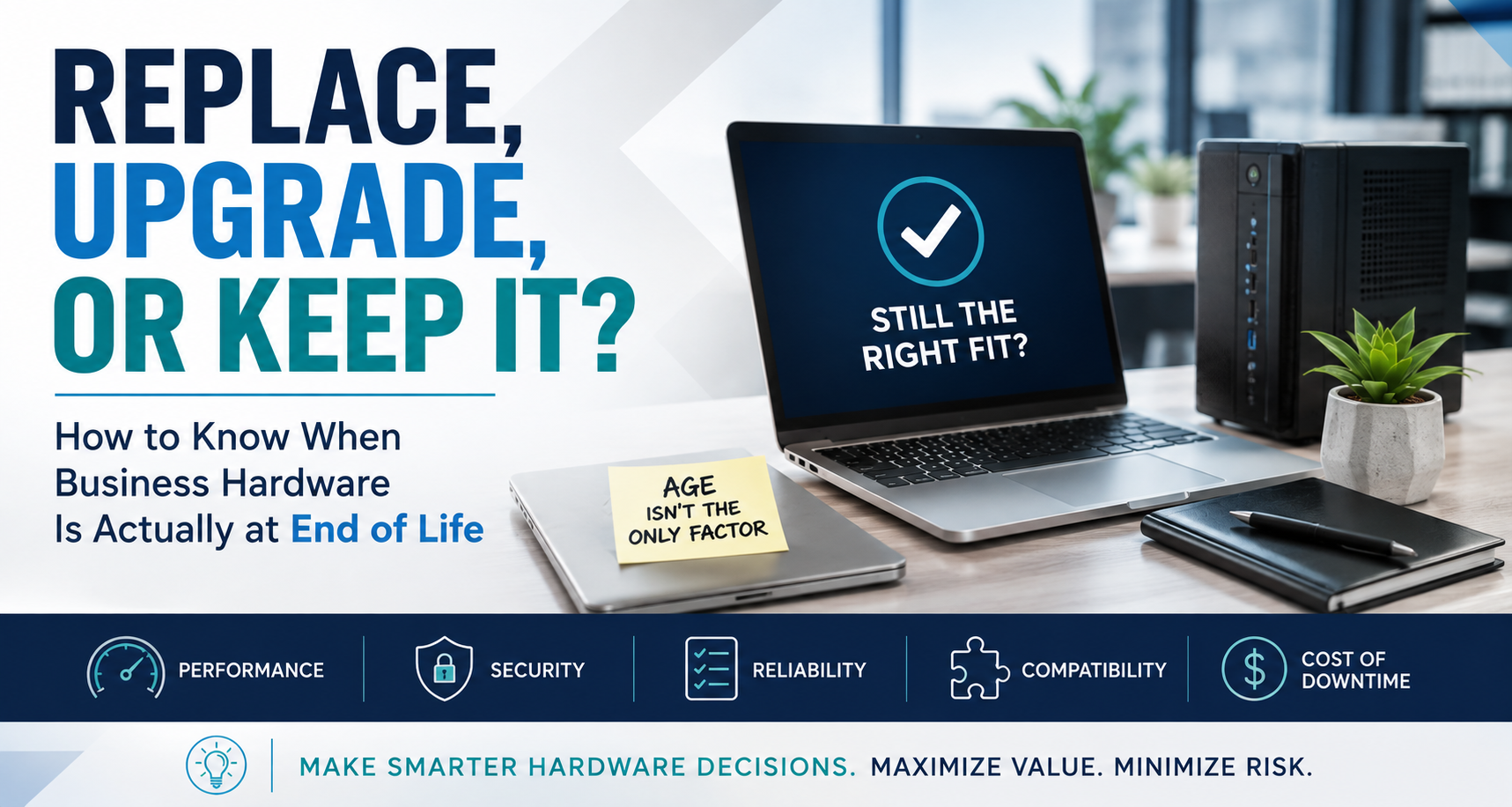
Replace, Upgrade, or Keep It? How to Know When Business Hardware Is Actually at End of Life
For years, a standard rule in business IT was to replace computers every three to five years. It was simple, predictable, and easy to budget for.
Today, that approach is starting to feel a little too simplistic. A four-year-old computer used mainly for email, Microsoft 365, and browser-based applications may still have years of useful life left, while a two-year-old workstation used for video production, development, or local AI could already be slowing someone down.
And with hardware pricing and availability also becoming less predictable, the better question is “Is this still the right computer for what we need it to do”
Age Is Only One Part of the Decision
Computers do wear out. Batteries in laptop deteriorate, fans and power supplies fail, storage develops problems, and operating systems eventually stop supporting older hardware. But age should be considered alongside reliability, performance, security, software compatibility, repair history, and what the employee is actually using the machine for. If a five-year-old computer is still fast, secure, and reliable, there may be little benefit in replacing it. If a three-year-old machine crashes regularly and costs an employee 20 or 30 minutes a day, keeping it may actually be more expensive.
Slow Does Not Always Mean Replace
A slow computer is not necessarily at the end of its life. The problem may be too many applications running in the background, nearly full storage, insufficient memory, or years of accumulated software and services. In some cases, adding RAM, replacing an SSD or battery, reinstalling the operating system, or doing some basic optimization can extend the life of a machine by another year or two.
The Biggest Cost May Be Employee Time
Whilst hardware costs are easy to see because there is an invoice, lost productivity is harder to see. If an employee earning $80,000 a year loses just 15 minutes a day waiting for applications, rebooting, or dealing with crashes, that adds up to more than 60 hours a year. At that point, delaying a $1,500 or $2,000 replacement may not actually be saving much money.
Older machines can also create more support tickets, become harder to repair, and eventually fall behind on software and security support. This is why good lifecycle management is about identifying that crossover point before the computer fails completely.
Sometimes the Job Changed
A computer may have been purchased for someone doing basic office work, but a few years later that same person may be working with large spreadsheets, editing video, running development tools, or experimenting with AI. And as a result, the heavier workload makes the machine feel slower. That is why hardware should be right-sized for what people actually do. Someone working mainly in Microsoft 365 probably does not need the same machine as someone editing 4K video or running local AI models.
Giving everyone the same computer can mean overspending on some employees while underspending on others.
Upgrade, Replace, Reassign, or Virtualize?
Replacement is not the only option. An older high-end workstation might still be perfect for another employee with lighter requirements, or it could become a development, testing, automation, or local AI machine.
In other cases, we may not need another physical computer at all. For temporary projects, testing, development, or specialized workloads, a virtual machine may be a better option.
As companies do more with AI and automation, the traditional model of one employee and one computer is becoming less rigid.
Avoid the Emergency Purchase
The worst time to make a hardware decision is after a computer has already failed. Now the employee cannot work, the preferred model may be out of stock, and someone has to purchase, configure, and deploy a replacement as quickly as possible.
If we know which machines are approaching the end of their useful lives, we can compare options, watch pricing, plan around lead times, and schedule the migration instead of reacting to a failure.
It also makes budgeting easier. Knowing that 20 machines may need attention over the next year is much easier to manage than discovering they all need replacement at once.
A Better Hardware Inventory
A useful hardware inventory should tell us more than model numbers and purchase dates. It should also help us decide what happens next:
Keep: Performing well and likely has more useful life.
Monitor: Still usable, but getting older or approaching support limits.
Upgrade: Good underlying hardware that could benefit from memory, storage, or another improvement.
Reassign: Still valuable, but better suited to another user or workload.
Replace: Reliability, performance, security, or compatibility no longer meets the business need.
Once hardware is looked at this way, purchasing becomes much more deliberate.
How This Fits Into FlexHours
Hardware lifecycle management fits naturally into FlexHours because it is ongoing work rather than something that should only happen when equipment fails. We can review existing hardware, plan upgrades and replacements, optimize workstations, migrate users, create virtual environments, and look for opportunities to reuse equipment elsewhere in the company.
And when new hardware really is the right answer, FlexHours clients can use their Hardware Credit toward eligible purchases.
Not on FlexHours yet? Contact us and have a conversation about how it may benefit your business!