 Branding
 Digital Marketing
 Web & App Dev
 IT Services
What Happens When Your Key Technical Person Quits
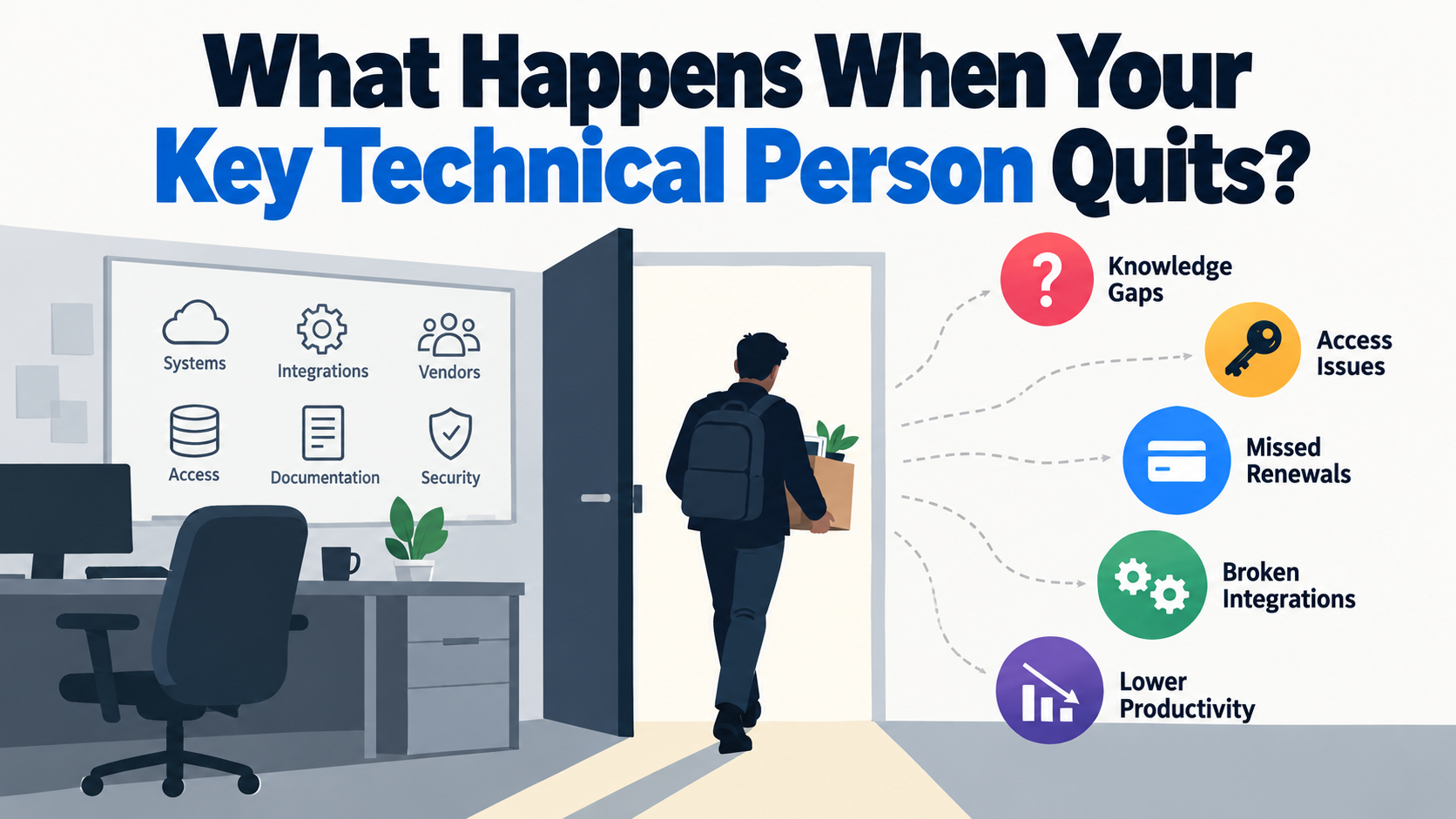
A lot of small and mid-sized businesses have one person who quietly becomes the technical backbone of the company. It may be the IT manager, developer, systems administrator, technical co-founder, or simply the employee who understands how all the systems fit together.
As long as that person is there, the arrangement can feel perfectly fine. Problems get fixed, vendors get called, passwords get found, renewals get handled, and someone knows why a particular system was configured a certain way.
The risk becomes obvious when that person leaves, because that is often when the business discovers that a large amount of operational knowledge was never really documented. It was sitting in one person's head.
Here is what usually happens.
Stage 1: The Knowledge Gap Appears Immediately
At first, everything may continue working normally, but people quickly realize that nobody else completely understands how everything works.
This usually happens gradually because one person keeps solving problems, adding systems, setting up integrations, dealing with vendors, and making technical decisions without anyone stopping to document the environment properly. Over time, that person effectively becomes the documentation.
There may not be an urgent fire on the first day. The website is still online, email still works, and everyone can continue doing their jobs. The problem normally appears when someone needs to make a change, fix something, or access an account and suddenly realizes that the person who knew how to do it is no longer there.
Stage 2: Access Becomes the First Operational Risk
Once someone leaves, access can quickly become even more important than documentation.
If important systems depend on one employee's personal account, email address, phone number, authenticator, or passkey, the company may not have as much control over its own systems as management assumes. This has become an even bigger issue today because so many services use multi-factor authentication, authentication apps, phone numbers, and passkeys for account recovery.
The company needs to know that it still controls access to its domains, hosting, cloud platforms, email administration, Microsoft 365 or Google Workspace, backup systems, accounting software, CRM, website administration, source code repositories, DNS, security systems, and vendor portals.
The important part is to confirm all of this before you actually need the access. Discovering that nobody can get into the DNS account while the website is down is not the ideal time to start figuring out who owns the login.
Stage 3: Vendors and Renewals Start Falling Through the Cracks
The next problem is often less dramatic, but it can be just as disruptive.
Technology environments are full of recurring obligations. Domains renew, SSL certificates expire, hosting bills need to be paid, software subscriptions renew, licenses need to be maintained, and API keys or tokens may need to stay active.
When one technical person has been managing all of this informally, those responsibilities can disappear with them, and the company may not discover the problem until something stops working.
It can be even worse when subscriptions are tied to the person's personal credit card or personal account. We have seen companies suddenly scramble because an ex-employee stopped renewing something as simple as a cookie banner subscription and the website started generating errors.
API keys and integrations are another important example. It is common for an integration to use credentials or tokens associated with the person who originally created it. HR then disables that person's account as part of the normal offboarding process, which is usually exactly what HR should do, but the unintended consequence is that the token can also be disabled and suddenly an integration breaks.
Every important vendor, subscription, renewal date, account owner, integration, and billing relationship should therefore be visible to the organization instead of existing inside one person's inbox, credit card statement, or memory.
Stage 4: The Team Discovers How Dependent It Really Was
At this point, the rest of the team starts to realize how dependent they were on the person who left.
A good technical employee often solves problems so quietly that management does not realize how much dependency has built up around them. When something breaks, they fix it. When somebody needs access, they know where to find it. When two systems stop talking to each other, they usually know why.
Once that person is gone, employees begin creating workarounds. Some processes go back to being manual, integrations may stop being used because nobody knows how to maintain them, and reporting may get simplified or abandoned. People also start asking the most technical person still in the company for help, even if that person does not actually work in IT.
Sometimes these workarounds are necessary, but sometimes they end up undoing years of improvements simply because nobody understands why the original process or integration was built the way it was.
The result is usually a gradual drop in productivity and momentum, but this cost is difficult to see because it is spread across the organization. One employee spends an extra 20 minutes doing something manually, another waits for somebody to reset an account, someone else recreates a report, and another person gives up on an integration and starts copying information between systems again.
This is one reason technical dependency is often underestimated. The risk is not just downtime. It is also the amount of friction that appears throughout the business when nobody clearly owns or understands the technical environment anymore.
Stage 5: Hiring a Replacement Does Not Solve the Problem Immediately
The natural response is often to hire another technical person, but that does not solve the problem immediately.
Technical hiring takes time, and even a very strong replacement still needs to understand the environment they have inherited. If the systems are poorly documented, the new person may spend weeks trying to reconstruct how everything works before they can improve anything.
They need to figure out which systems exist, how they connect, who the vendors are, where the credentials are stored, what automations are running, what dependencies exist, and why previous technical decisions were made.
In other words, the company can end up paying someone to reverse-engineer its own infrastructure.
The Real Problem: The Single Point of Failure
People eventually leave every organization. They resign, retire, get promoted, change careers, or simply become unavailable at the exact moment something goes wrong.
The goal is not to prevent people from leaving. The goal is to make sure that one person leaving does not create an operational crisis.
If one employee's departure can materially disrupt the company's ability to operate systems, recover data, access vendors, maintain integrations, or understand its technology environment, the business has created a single point of failure.
That is a structural business risk, and it should be managed the same way you would manage any other critical dependency: through proper ownership, documentation, access controls, redundancy, knowledge transfer, and training.
In our next article, we will go through what businesses should put in place so that losing one technical person does not mean losing control of their technology environment.
Stay tuned!