 Branding
 Digital Marketing
 Web & App Dev
 IT Services
How to Map a Workflow Before You Try to Automate It
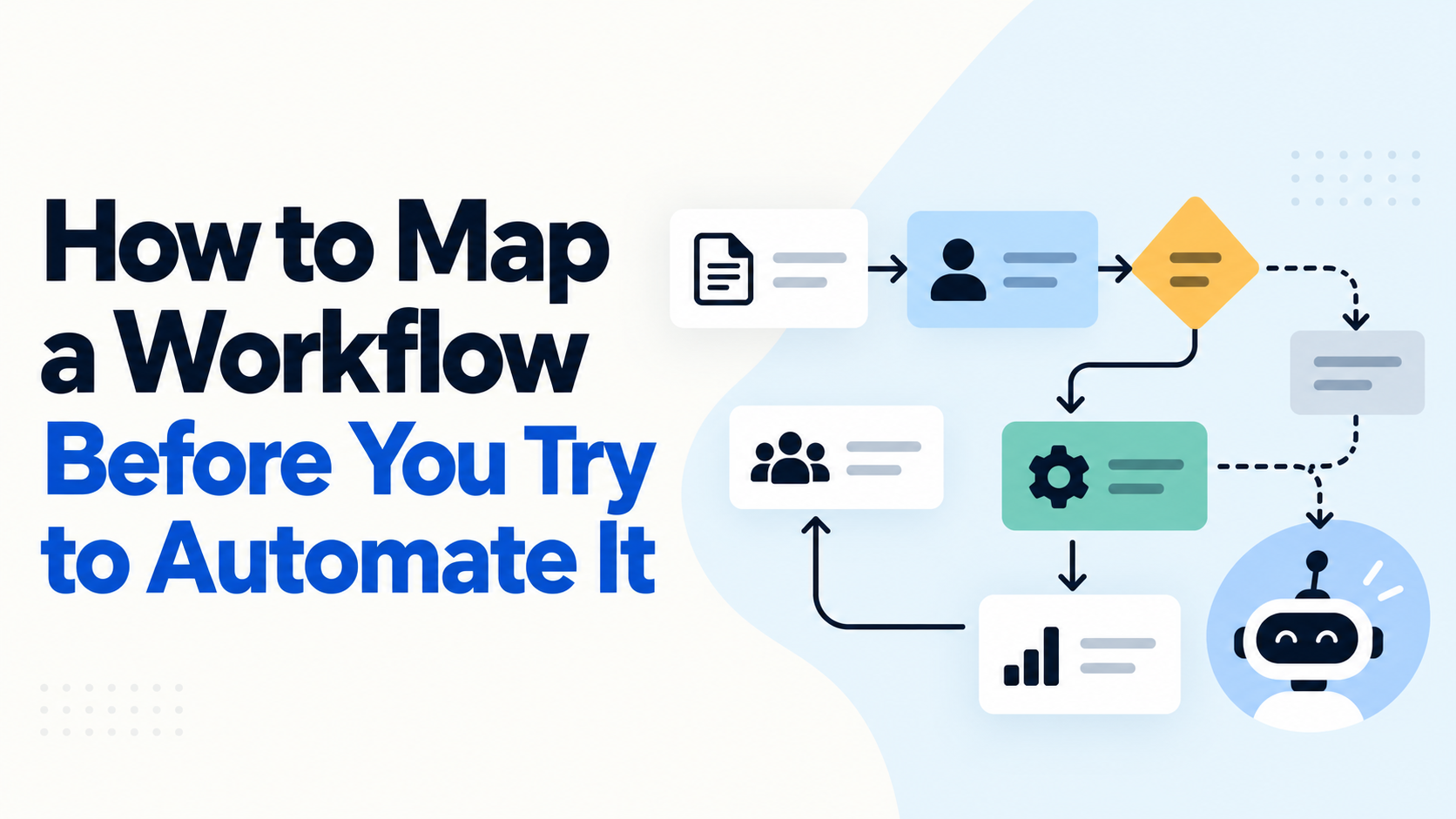
With AI and automation tools becoming increasingly accessible, businesses can now automate processes that would have required significant development resources just a few years ago. However, just because a process can be automated doesn't necessarily mean it should be, at least not in its current form.
One of the biggest mistakes businesses make is trying to automate a process without fully understanding how it works in practice. What management thinks is happening and what employees actually do every day can be quite different. If you automate a poorly designed process, you might simply end up doing the wrong things faster and on a much larger scale.
That's why we think workflow mapping should be one of the first steps in any automation project.
Workflow mapping involves documenting how work actually moves through an organization, including the people, systems, decisions, and exceptions involved. It doesn't have to be complicated – just enough to give you a clear understanding of what you're trying to improve before you start building anything.
Here are five steps to approach it.
1. Define Where the Process Starts and Ends
Before mapping a workflow, you want to establish exactly what you're trying to document. For example, "client onboarding" might involve everything from the initial sales conversation to account setup, training, and ongoing service delivery. Trying to map all of that at once can quickly become overwhelming.
A more practical starting point might be the process from when a client signs a contract to when their account is set up and ready for service.
Identify what triggers the process, what the expected outcome is, and which people or departments are involved. This gives you a manageable scope and helps prevent the project from expanding into unrelated areas.
2. Understand How the Work Is Actually Being Done
One mistake we see businesses make is documenting processes based on how they're supposed to work rather than how they actually work.
Instead of reading old documents, one of the best ways to avoid this is to talk to the people doing the work and walk through a few real examples with them.
You might discover that employees are copying information between systems because an integration doesn't exist, maintaining spreadsheets to compensate for limitations in their software, or relying on someone to manually approve something that could be handled through a set of rules.
You may even discover that different employees perform the same task in completely different ways.
These details are important because an automation designed around an idealized process may fail as soon as it encounters the exceptions and workarounds that are part of everyday operations.
3. Document the Steps, Decisions, and Handoffs
Once you understand the process, document the sequence of activities and how information moves between people and systems.
For each step, try to capture:
- The activity: What needs to be done, who is responsible, and which tools or systems are involved?
- The decision points: What determines whether the workflow moves forward or follows a different path?
- The handoffs: When does work move between employees, departments, or different software systems?
- The exceptions: What happens when information is missing, something fails, or a situation doesn't follow the normal process?
You don't necessarily need sophisticated workflow mapping software. A flowchart, spreadsheet, or even a whiteboard can be sufficient for simpler processes. Whatever you decide to use, the most important thing is to make the workflow understandable to everyone involved, including the people who may eventually build and maintain the automation.
4. Identify What Should Be Improved Before Automating
Once the existing workflow is mapped, you can start looking for opportunities to improve it. For example, you might discover that a process requires five approvals even though only two are necessary, or that employees are repeatedly entering the same information into multiple systems.
Before thinking about automation, ask whether those steps should exist in the first place. Sometimes the best improvement is to eliminate unnecessary steps, simplify decision-making, standardize how information is collected, or make better use of software you already have.
It's also important to distinguish between tasks that should be handled through conventional automation and those that might benefit from AI. For example, transferring structured customer information between two systems is generally better handled through APIs or deterministic code. On the other hand, interpreting an unstructured customer request or extracting information from inconsistent documents might be a good application for AI.
5. Design and Test the New Workflow
Only after understanding and improving the existing process should you design the automated version. At this stage, you can decide which tasks should be automated, which decisions still require human involvement, how different systems should communicate, and what should happen when something goes wrong.
We would also recommend testing the workflow against real scenarios rather than just confirming that it works under ideal conditions.
What happens when required information is missing? What if an external system is unavailable? What if the same request is submitted twice? Can someone identify where the process failed and resume it without starting over?
These are the kinds of questions that help determine whether an automation will work reliably in a real business environment.
It's often better to start with a smaller part of the workflow, prove that it works, and expand from there rather than trying to automate an entire business process in one project.
Note: Automation Should Improve the Process, Not Just Replicate It
One of the biggest opportunities with AI and automation is that businesses can now rethink how work gets done rather than simply making their existing processes faster.
However, the quality of the result still depends on how well you understand the problem you're trying to solve.
Workflow mapping helps you identify unnecessary activities, understand dependencies, and make better decisions about where automation will create the most value.
The important question sometimes isn't just whether a process can be automated, but whether it's the right process to automate in the first place, which we have written about in the past.
How Smartt Helps
Smartt helps businesses identify and implement practical automation opportunities, starting with understanding how their existing workflows operate. Through our FlexHours model, we can assist with process mapping, workflow improvements, system integrations, and AI-powered automation to help businesses reduce manual work and improve operational efficiency. Get in touch for a quick conversation if you're interested!