 Branding
 Digital Marketing
 Web & App Dev
 IT Services
How to Run a Lean Digital Team Without a Full-Time IT Person
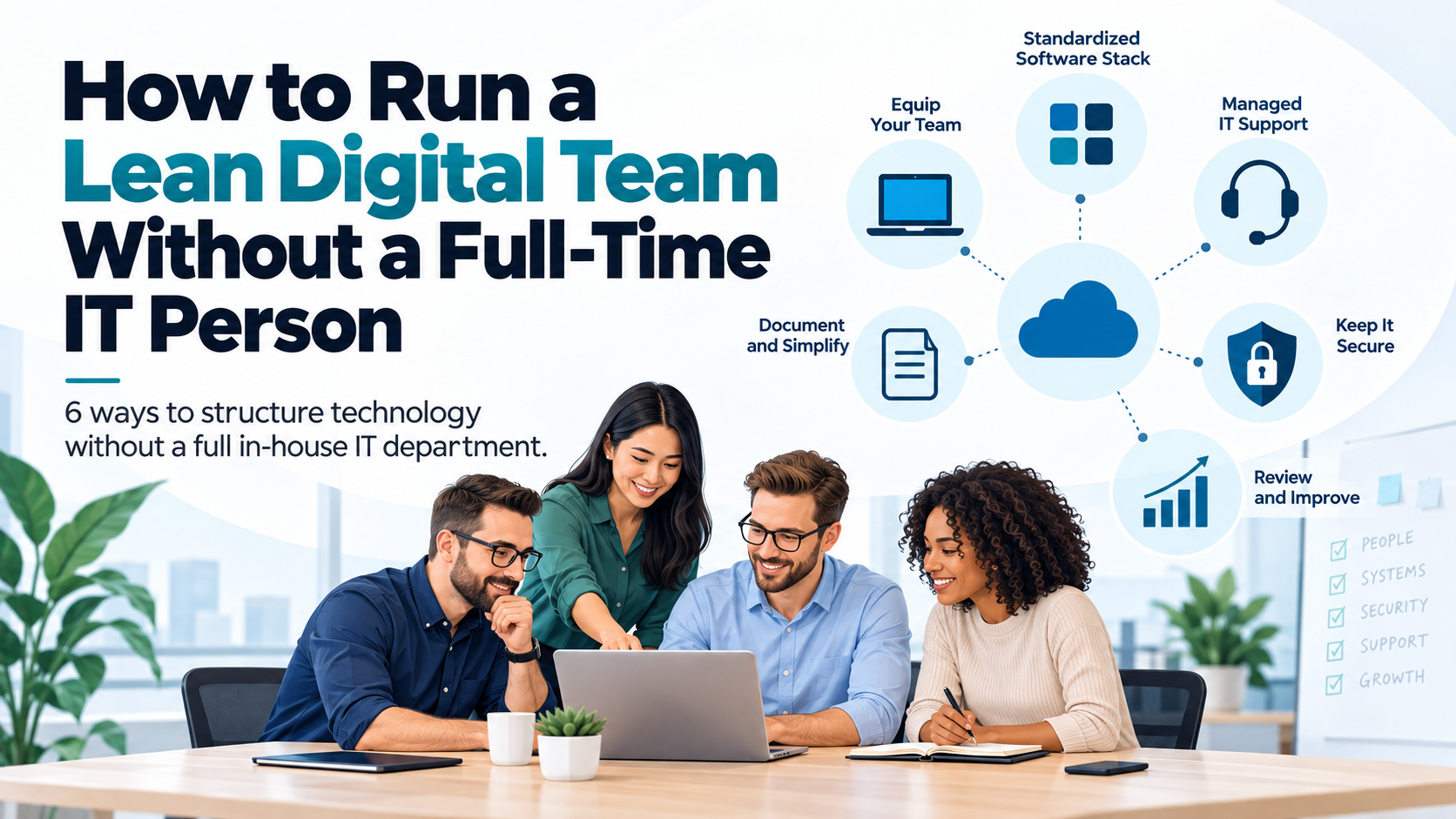
As businesses grow, their technology requirements tend to become more complicated. What might have started with a few computers, Microsoft 365 or Google Workspace, and a website eventually expands into CRM systems, cloud applications, cybersecurity, backups, integrations, and an increasing number of devices and user accounts.
At some point, managing all of this becomes too much for the business owner or whichever employee happens to be the most technically inclined.
But does that mean it's time to hire a full-time IT person?
Not necessarily. For many small and medium-sized businesses, there isn't enough work to justify a dedicated IT employee, especially when the work requires expertise across several different areas. Someone who is good at troubleshooting computers isn't necessarily qualified to manage cybersecurity, cloud infrastructure, website hosting, and business software integrations.
The better approach is often to build a lean internal team that can coordinate technology decisions while relying on external expertise for the technical work.
Here are six things businesses should put in place to make that approach work.
1. Separate Day-to-Day IT Support from Technology Strategy
One of the first things businesses should recognize is that maintaining technology and making strategic technology decisions are two different responsibilities.
Day-to-day IT support includes things like setting up new employees, troubleshooting computers, managing user accounts, installing software, maintaining backups, and dealing with technical problems as they arise.
Technology strategy involves deciding which systems the business should use, how those systems should work together, what investments are needed, and how technology can support the company's longer-term goals.
These two areas require different skills, and it's unrealistic to expect one person to be an expert in everything. For example, an IT technician might be excellent at resolving Microsoft 365 issues but may not be the right person to recommend how the company's CRM, accounting platform, website, and marketing automation should be integrated.
Businesses should determine what they can realistically manage internally and where they need outside expertise. Routine IT support can be outsourced, while technology planning can be handled collaboratively between management and an external technology partner.
The objective is to make sure the business has access to the right expertise when important technology decisions need to be made.
2. Standardize Your Technology Stack
One of the problems we frequently see in growing businesses is the accumulation of software and services without an overall plan.
Different departments adopt their own tools, employees sign up for applications to solve immediate problems, and subscriptions continue renewing long after anyone remembers why they were purchased.
Before long, a company might have several project management platforms, multiple file storage services, overlapping communication tools, and software subscriptions that nobody is actively managing. This creates unnecessary costs, but it also introduces operational and security problems. Information becomes scattered across different systems, employees have difficulty finding what they need, and managing access becomes increasingly complicated.
A lean digital team should aim to standardize its core technology wherever practical. For most businesses, that means establishing a common set of tools for communication, file storage, collaboration, project management, password management, and IT support.
For example, a company already using Microsoft 365 might decide to standardize around Teams, SharePoint, OneDrive, and the other tools available within that ecosystem rather than introducing additional platforms for every function. That doesn't mean every department must use exactly the same software. Specialized teams may have legitimate requirements that justify different applications. The important thing is that these decisions are intentional rather than the result of individual preferences or historical accidents.
It's worth conducting a software audit periodically to identify redundant subscriptions, unused licenses, unsupported applications, and opportunities to consolidate systems.
The fewer unnecessary systems you have, the easier and less expensive your technology becomes to support, secure, and maintain.
3. Document Your Systems and Eliminate Single Points of Failure
Small businesses often become dependent on one or two employees who know how everything works. It might be the office manager who knows where all the software subscriptions are registered, the marketing employee who manages the website and domain names, or the technically inclined staff member who originally configured the company's network.
As long as those people are available, everything seems to work. The problems begin when they leave, go on vacation, or are otherwise unavailable. We've seen situations where businesses don't know who owns their domain name, where their website is hosted, how their backups are configured, or which account controls their cloud services.
These are problems that can be avoided with relatively basic documentation. At a minimum, businesses should maintain records of their critical systems, software subscriptions, vendors, account ownership, renewal dates, backup arrangements, and administrative responsibilities.
Credentials should be stored securely in a business password manager with appropriate access controls rather than scattered across spreadsheets, emails, or personal accounts. Critical systems should also have properly managed administrative access and recovery procedures so the business isn't dependent on one individual's login.
It's also important to document how essential business processes work, especially when they depend on integrations or automations that may not be obvious to someone unfamiliar with the setup.
Documentation doesn't need to be overly complicated, but it does need to be kept current and accessible to the people who are responsible for managing the business.
A useful test is to ask whether someone else could take over your technology operations tomorrow if the person currently managing them suddenly became unavailable.
4. Use Managed IT Services to Fill the Gaps
For many growing businesses, outsourcing IT support is more practical than hiring a full-time employee.
A managed IT services provider like Smartt can give a business access to a team with expertise in areas such as cybersecurity, networking, Microsoft 365, cloud infrastructure, backups, and technical support.
This can be particularly valuable because smaller businesses rarely need a full-time specialist in each of these areas, but they still need access to that expertise when something goes wrong.
However, businesses should be clear about what they expect their managed services provider to handle.
Some providers focus primarily on help desk support and device management, while others can take responsibility for infrastructure, cybersecurity, cloud services, and technology planning.
It's important to understand what is included, what costs extra, how problems are escalated, and who is responsible for the different parts of the technology environment. For example, a business might need ongoing monitoring and support for employee devices, Microsoft 365 administration, endpoint security, backup management, and assistance with onboarding and offboarding employees.
Other services, such as website development, CRM integration, business automation, or strategic technology planning, might be handled separately or through a broader digital and IT services arrangement. (Note: Smartt's FlexHours packages offer all of the above.)
The goal is to establish a support model that matches the business's actual needs rather than paying for capabilities it doesn't use or discovering important gaps when something goes wrong.
5. Review Your Technology Regularly Instead of Waiting for Problems
Without a dedicated IT manager, technology decisions often become reactive. A computer gets replaced because it stops working. A software subscription gets reviewed because the renewal price increases. A cybersecurity issue gets attention only after an employee clicks on a suspicious email.
This approach might be manageable when a business is very small, but it becomes increasingly risky as the company grows. Businesses should establish a regular technology review, ideally at least once per quarter, to evaluate how their systems are performing and identify problems before they become more expensive to resolve.
These reviews don't need to involve lengthy meetings or complicated reports. Even an hour with the right people can help the business stay ahead of important issues.
Some of the areas worth reviewing include:
- Technology costs: Are there unused licenses, overlapping subscriptions, or opportunities to consolidate services?
- Cybersecurity: Are systems patched, accounts protected with MFA, and security controls functioning as expected?
- Backups and recovery: Are backups completing successfully, and has the business tested whether it can actually restore critical information?
- Hardware: Which computers, servers, or network devices are approaching replacement or end of support?
- Business applications: Are employees having problems with existing software, or are there opportunities to improve workflows and integrations?
- Upcoming requirements: Are new employees, locations, projects, or business initiatives going to require additional technology?
These reviews should also consider opportunities to improve productivity through automation and AI. As new capabilities become available, businesses may discover that work previously requiring significant manual effort can now be streamlined or eliminated.
The important thing is to connect these discussions to business priorities rather than treating technology as a separate technical issue.
A modest amount of proactive planning can prevent much larger expenses and disruptions later.
6. Assign Someone Internally to Own Technology Decisions
Even when most technical work is outsourced, someone inside the business still needs to be accountable for technology. This doesn't mean they need to understand networking, cybersecurity, or software development. They simply need to coordinate the relationship between the business and its technology providers.
For smaller businesses, this responsibility might fall to the operations manager, office manager, finance manager, or another senior employee who understands how the organization works.
Their role should include coordinating support requests, managing vendor relationships, keeping track of software renewals, helping prioritize technology projects, and ensuring that important issues receive the attention they require.
They should also have enough authority to make routine decisions or escalate larger ones to management. Without this internal ownership, even a good external IT provider can struggle to be effective. Technical recommendations may go unanswered, projects get delayed because nobody can approve changes, and recurring problems never receive the attention needed to resolve them permanently.
Having a designated internal contact also helps the external provider understand the company's priorities, upcoming changes, and operational requirements.
You don't necessarily need an internal IT department, but you do need someone who is responsible for making sure technology is being managed properly.
A Lean Digital Team Doesn't Mean Doing Everything Yourself
One of the advantages businesses have today is that they no longer need to hire a full-time employee for every specialized function.
The same principle applies to technology. A business might need ongoing IT support, occasional cybersecurity expertise, help with its website, assistance integrating business applications, and strategic advice about automation and AI. But that doesn't mean it needs separate full-time employees for each responsibility.
What matters is having the right combination of internal ownership, documented processes, standardized systems, and access to external specialists. As the business grows, that arrangement can evolve. Eventually, hiring an internal IT manager or building a dedicated technology team may make sense. But until then, a well-organized outsourced model can provide access to broader expertise while keeping overhead manageable.
The important thing is not to confuse running a lean team with simply spending less on technology. Cutting corners on security, documentation, maintenance, or support can create much larger costs down the road.
A properly structured lean digital team should allow the business to operate efficiently, reduce its technology risks, and invest in improvements without having to build a large internal department.
How Smartt Helps
At Smartt, we help businesses manage and improve their technology without needing a full in-house IT team. Through our FlexHours program, we provide access to managed IT, cybersecurity, hosting, web development, digital marketing, automation, and strategic technology expertise as your needs evolve. If you're interested in learning more, please get in touch!