 Branding
 Digital Marketing
 Web & App Dev
 IT Services
Your Next Customer Conversation Might Start Inside Google Maps
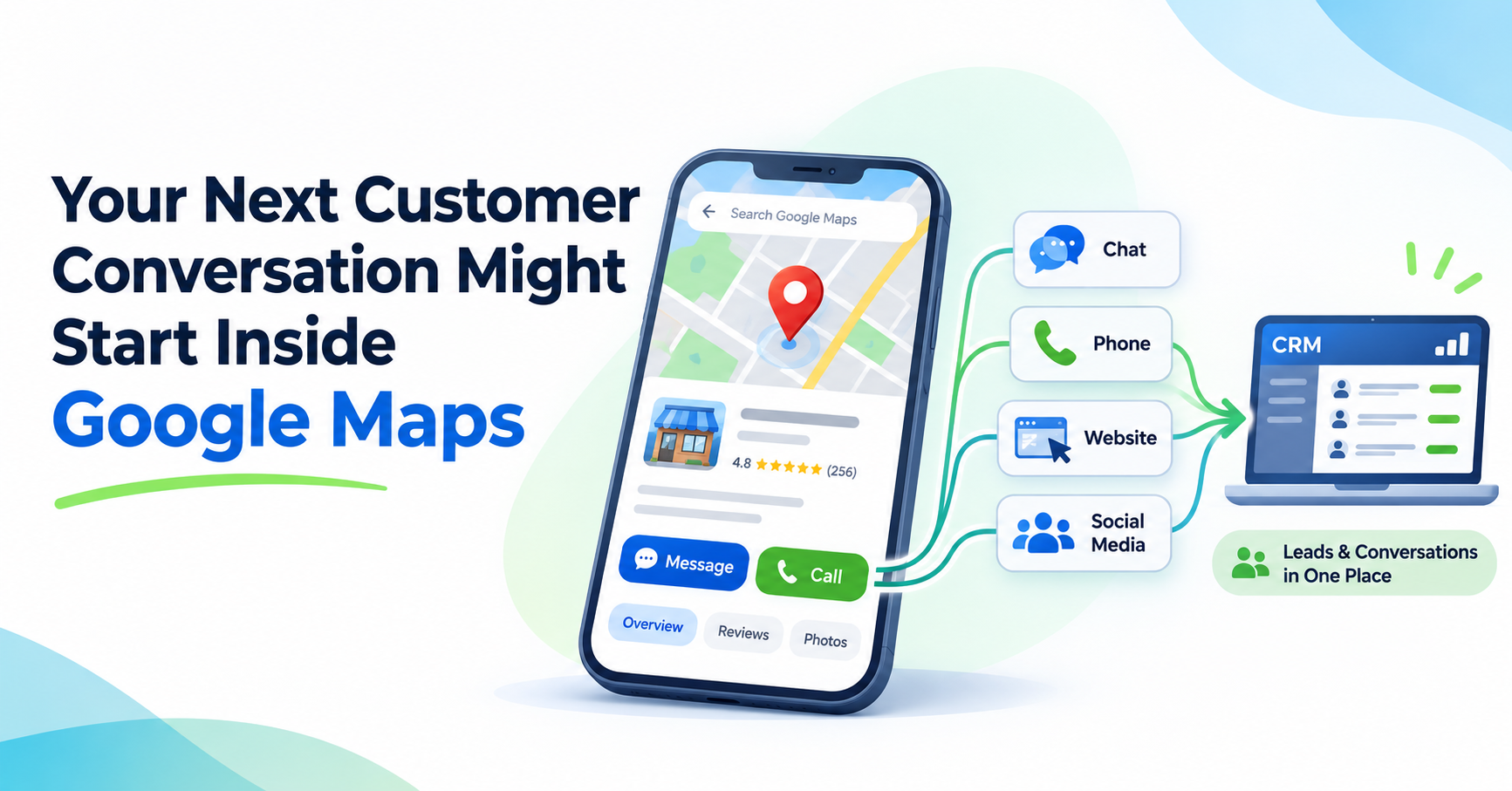
In November 2026, Google announced that it had made messaging more prominent within Google Maps on Android and iOS. For eligible businesses, customers can now find a Message button next to the Call button, allowing them to start a conversation through supported channels such as WhatsApp or SMS.
While this may seem like a relatively small change, it highlights a broader challenge for businesses: customer inquiries are increasingly coming from different platforms, and not all of them are being captured, managed, or measured consistently.
Your Website Is No Longer the Only Place Customers Contact You
A potential customer might discover your business through Google Search, Google Maps, Facebook, Instagram, an AI assistant, or an online directory.
Depending on the platform, they may be able to call, send a message, book an appointment, or request information without visiting your website.
This is convenient for customers, but it creates challenges for businesses that rely primarily on website forms to manage and measure leads.
For example, a company may have excellent processes for handling website inquiries but no clear responsibility for responding to messages received through Google Maps or social media.
A customer could send a message on Saturday afternoon, receive no response until Monday, and have already contacted a competitor in the meantime.
There is also a measurement problem. If your marketing reports focus primarily on website traffic and form submissions, you may be missing a portion of the inquiries your marketing activities actually generate.
Here are a few tips on how to adapt:
1. Check how customers can contact you through Google Maps.
Start by looking up your business in Google Maps on a mobile device.
Review the contact options available to customers, including calling, messaging, website links, and booking options where applicable.
If your Google Business Profile supports messaging, check that the correct WhatsApp account or SMS number is connected.
More importantly, send a test message and confirm that someone actually receives it.
A prominent messaging button isn't particularly useful if messages go to an unmonitored phone number or an account nobody checks.
2. Audit your other customer communication channels.
Google Maps is only one potential source of inquiries. Review your Facebook and Instagram messages, website forms, live chat, business directories, and any other platforms where customers can contact you. For each channel, identify who is responsible for responding, where messages are received, and whether inquiries are being recorded.
You may discover that different departments are managing their own messages with little coordination, or that some inquiries aren't being followed up at all.
3. Establish a consistent process for responding to inquiries.
Customers shouldn't receive completely different levels of service depending on how they contact your business.
Set reasonable response-time expectations and assign responsibility for monitoring each channel. Consider what should happen when an inquiry arrives outside business hours or when the person responsible is unavailable.
For businesses receiving a large number of inquiries, automated acknowledgements or AI-assisted responses may help collect basic information and answer common questions.
(Note that any automation should also include a clear way to escalate conversations to a person, particularly when customers have complicated questions or are ready to make a purchase.)
4. Connect inquiries to your CRM wherever possible.
Ideally, customer inquiries from different channels should be recorded in a central system rather than scattered across email inboxes, mobile phones, and messaging applications.
Depending on the platforms and integrations available, this might involve connecting website forms, phone systems, messaging services, and social media accounts to your CRM.
At a minimum, you should be able to identify the customer, the nature of the inquiry, who is responsible for following up, and its current status.
This becomes particularly important when multiple employees are involved in sales or customer service. Without a central record, it's easy for conversations to get lost or for two employees to respond to the same customer independently.
5. Measure inquiries beyond website conversions.
Many businesses use Google Analytics and advertising-platform conversions as their primary measures of marketing performance. These are useful, but they don't necessarily provide a complete picture of how customers are contacting your business.
For example, someone might discover your company through Google Maps, call your office, and eventually become a customer without ever visiting your website.
Where tracking and integrations permit, consider incorporating phone inquiries, business profile interactions, and messaging leads into your marketing dashboards.
More importantly, connect those inquiries to CRM outcomes so you can evaluate which channels generate qualified leads, estimates, appointments, and actual sales.
Keep in mind that not every inquiry can be attributed to a specific advertising campaign. The goal is to improve visibility into the customer journey rather than assume that every conversion can be tracked perfectly.
Make It Easier for Customers to Reach You, Not Harder
As customers discover businesses through more platforms, it becomes less practical to expect every inquiry to start on your website.
The better approach is to make it easy for customers to contact you through their preferred channels while ensuring that those conversations are captured, answered, and followed up consistently.
This way, your website remains an important part of your digital presence, but it isn’t the only source of leads that appears in your CRM and marketing reports.
Smartt helps businesses connect their websites, digital marketing, analytics, and CRM systems to improve lead management and understand which activities generate results. Contact us to discuss your digital marketing and integration needs.


